Proxmox servers
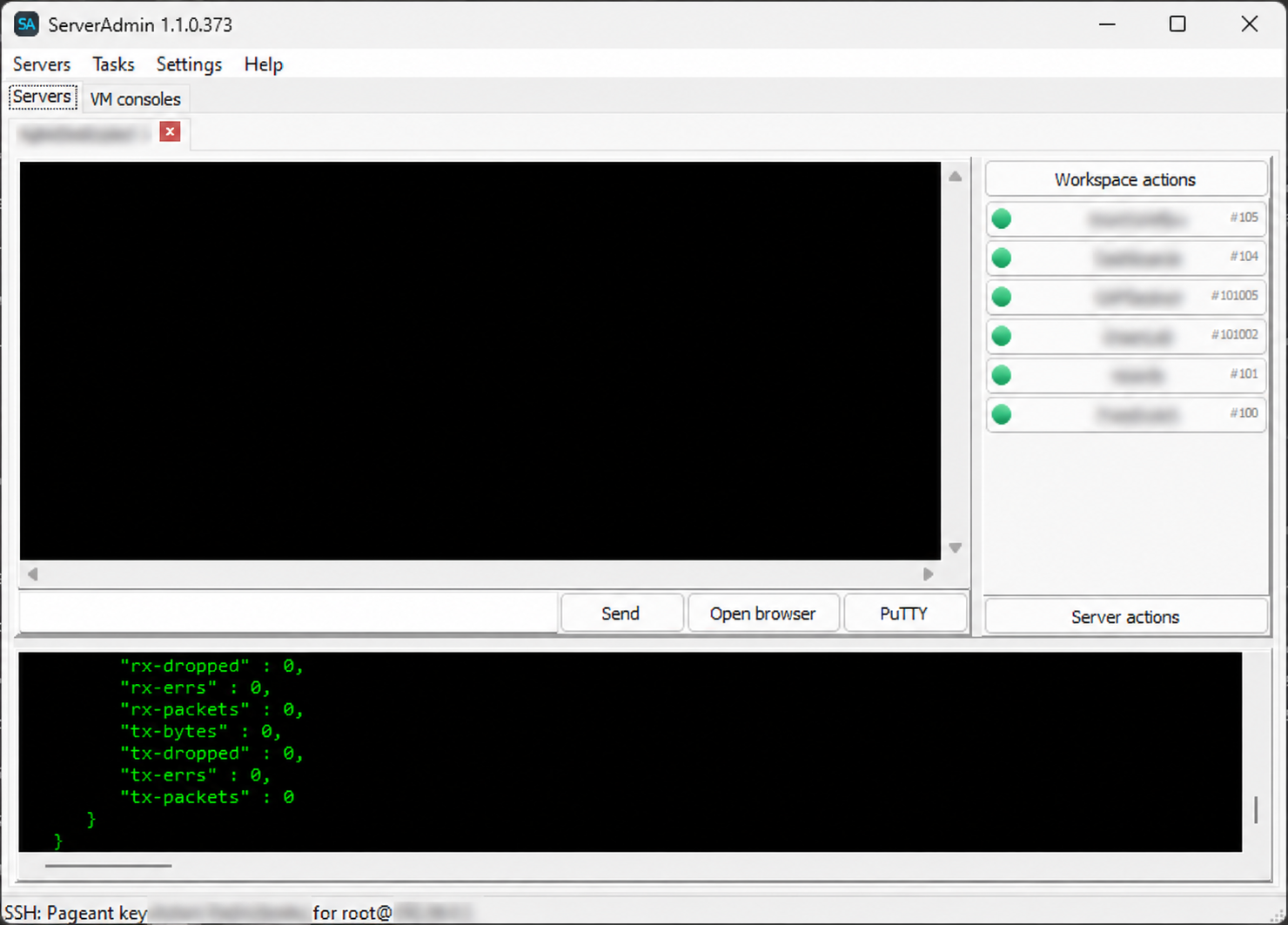
Saved connections, server groups, SSH/Pageant, pvesh, task history, storage, ISO images, and quick Proxmox Web access.
 ServerAdmin
Desktop and Web for Proxmox
Manage Proxmox servers and Windows VMs from one Windows application. Desktop, Web, background jobs, backup, restore, monitoring, and Pageant-based SSH workflows.
Current version: 1.1.0.373
Downloads: ...
What it does
Saved connections, server groups, SSH/Pageant, pvesh, task history, storage, ISO images, and quick Proxmox Web access.
Start, shutdown, stop, reboot, reset, pause, resume, delete, hardware editing, CPU, RAM, disks, network, and CD/DVD.
Create vzdump backups, restore with overwrite confirmation, stop active tasks, and manage native Proxmox schedules.
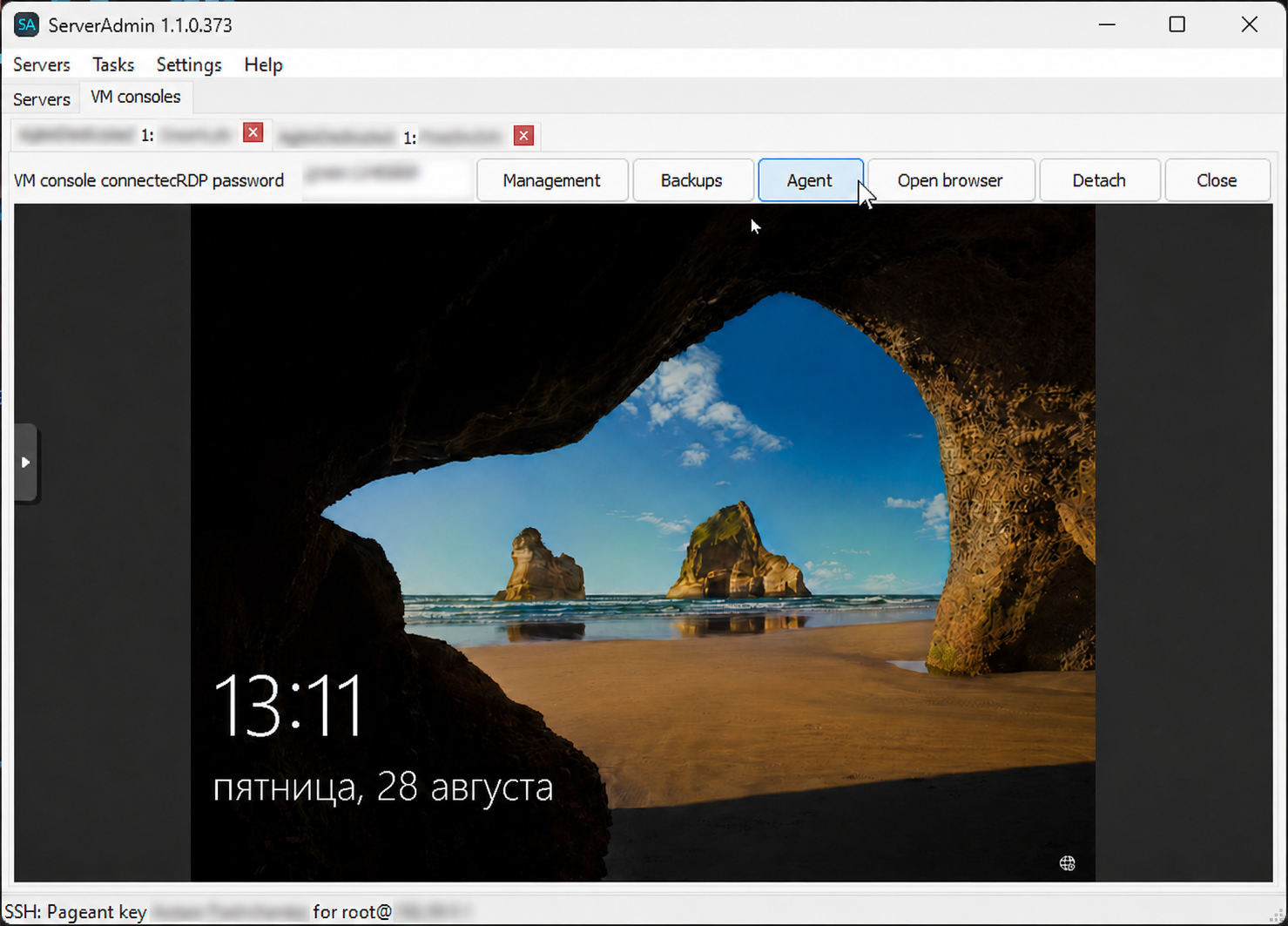
DevOpsTasks: PowerShell, desktop-session commands, file transfer, system information, screenshots, RDP/VNC/SSH access.
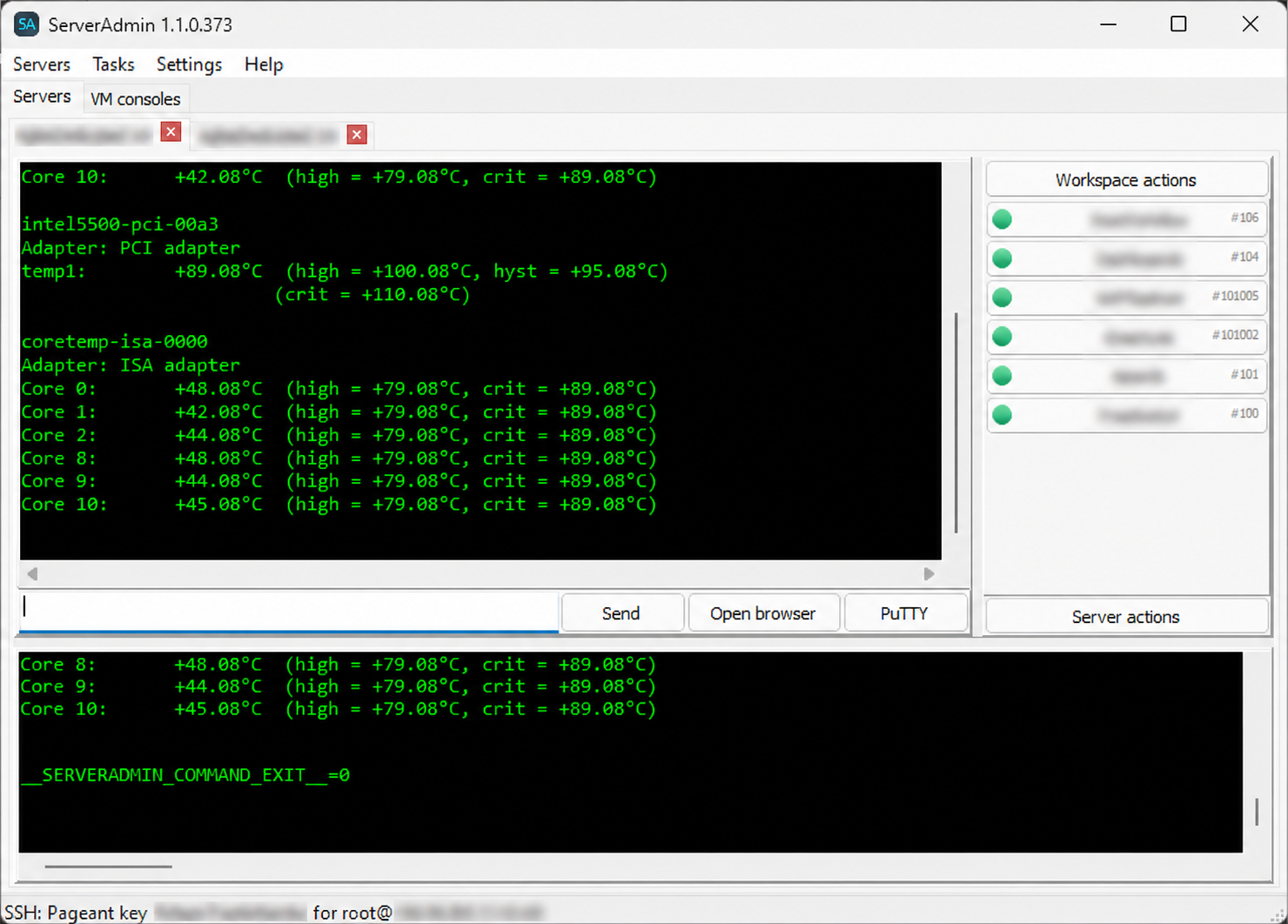
Server, VM, storage, and ZFS state, CSV history, incidents, webhooks, warning and critical thresholds.
ServerAdminJobService keeps Web and background jobs available after Desktop closes, using Pageant from the user session.
Win
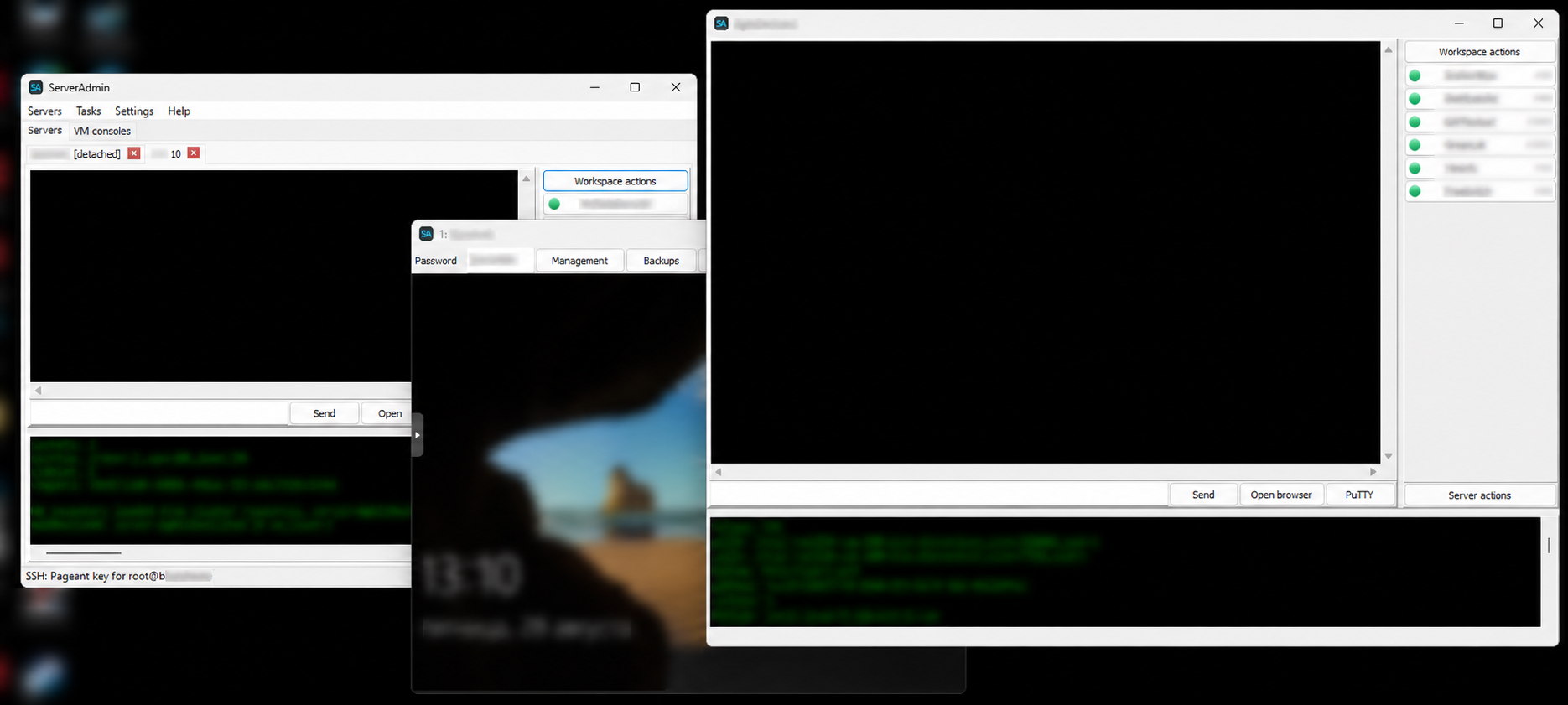
Web interface
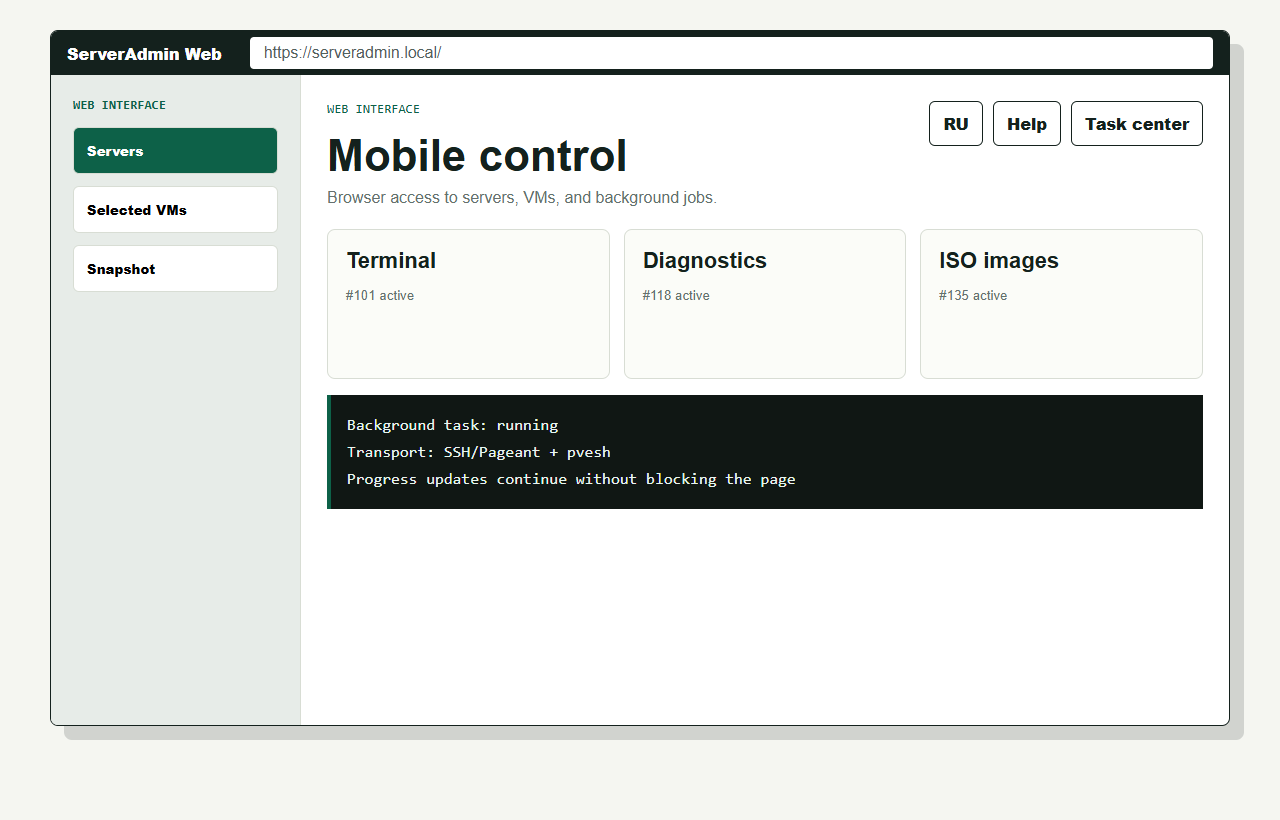
Detailed guide
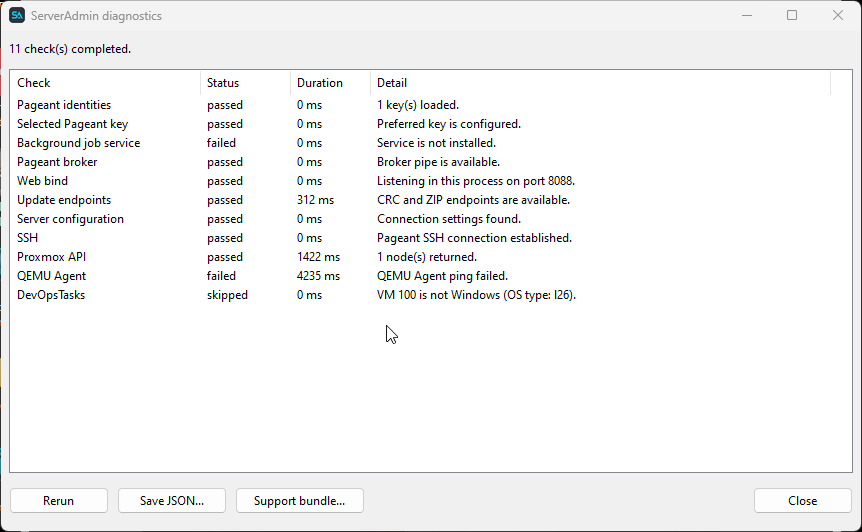
Step-by-step help for server connections, VM management, console access, DevOpsTasks, the Web interface, bulk operations, schedules, migration, updates, and troubleshooting.
Quick start
Downloads: ...
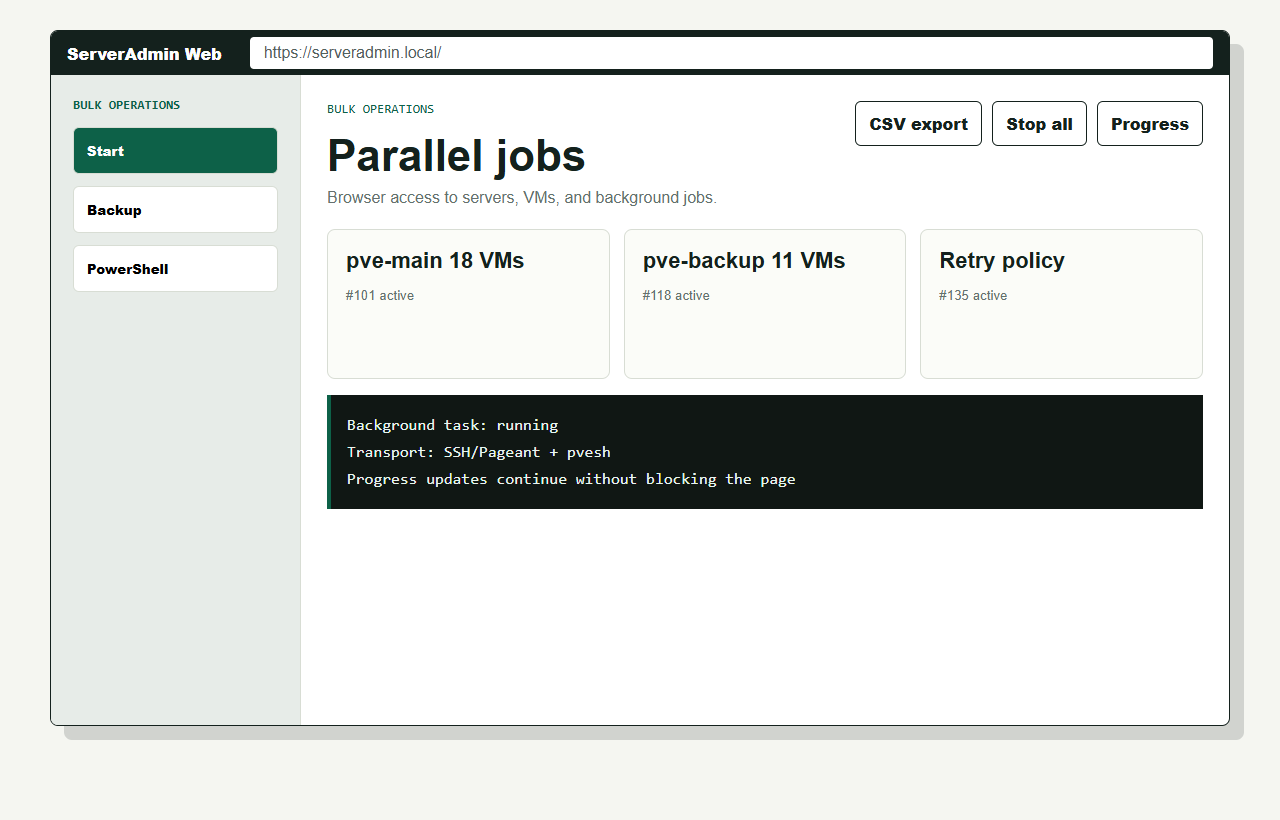
Download CRC checksumBulk operations
Select multiple Proxmox servers and run an SSH command, shutdown, or reboot. You can also start, shut down, stop, or reboot every VM on the selected servers. Progress and the result of each operation remain visible separately.
Read the bulk operations guideLicense
ServerAdmin is distributed free of charge and provided “as is,” without express or implied warranties. Users accept all risks associated with installing and using the application.
Project contributor
We thank the AGBIS team for its contribution to development and support of the project.
Support the project
ServerAdmin is free. If the application is useful, you can support the project with a donation.

Contact